
The Forbidden Fruit
A downloadable porn game for Windows, macOS, Linux, and Android
The Forbidden Fruit
Patreon | Discord
🗳️New Private Poll — Which one is your favorite? Vote Now

🕹️ The Game
Only one thing can save the most important night of your life: The Forbidden Fruit!
But you must find it before a mysterious Evil Queen does.
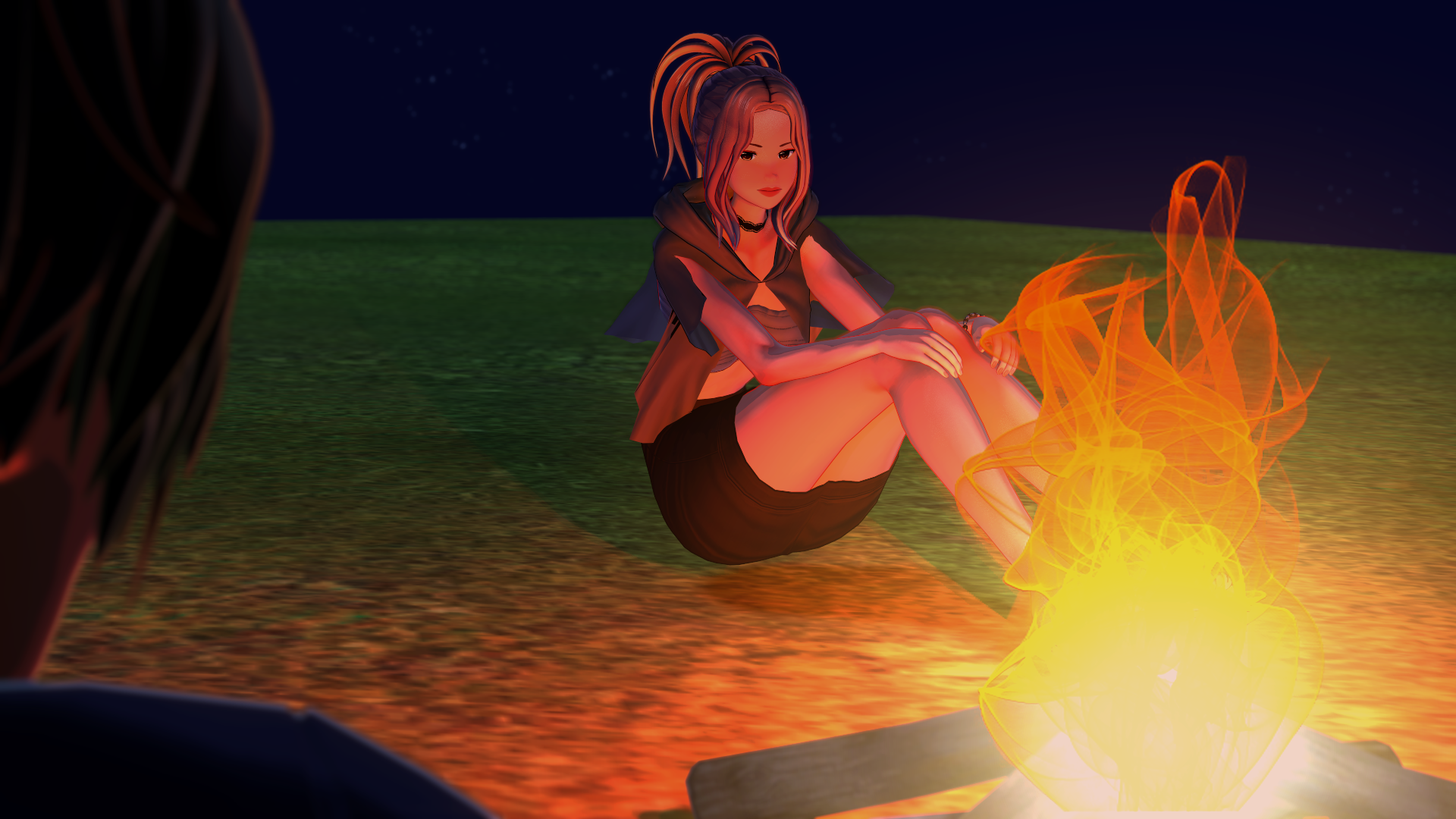
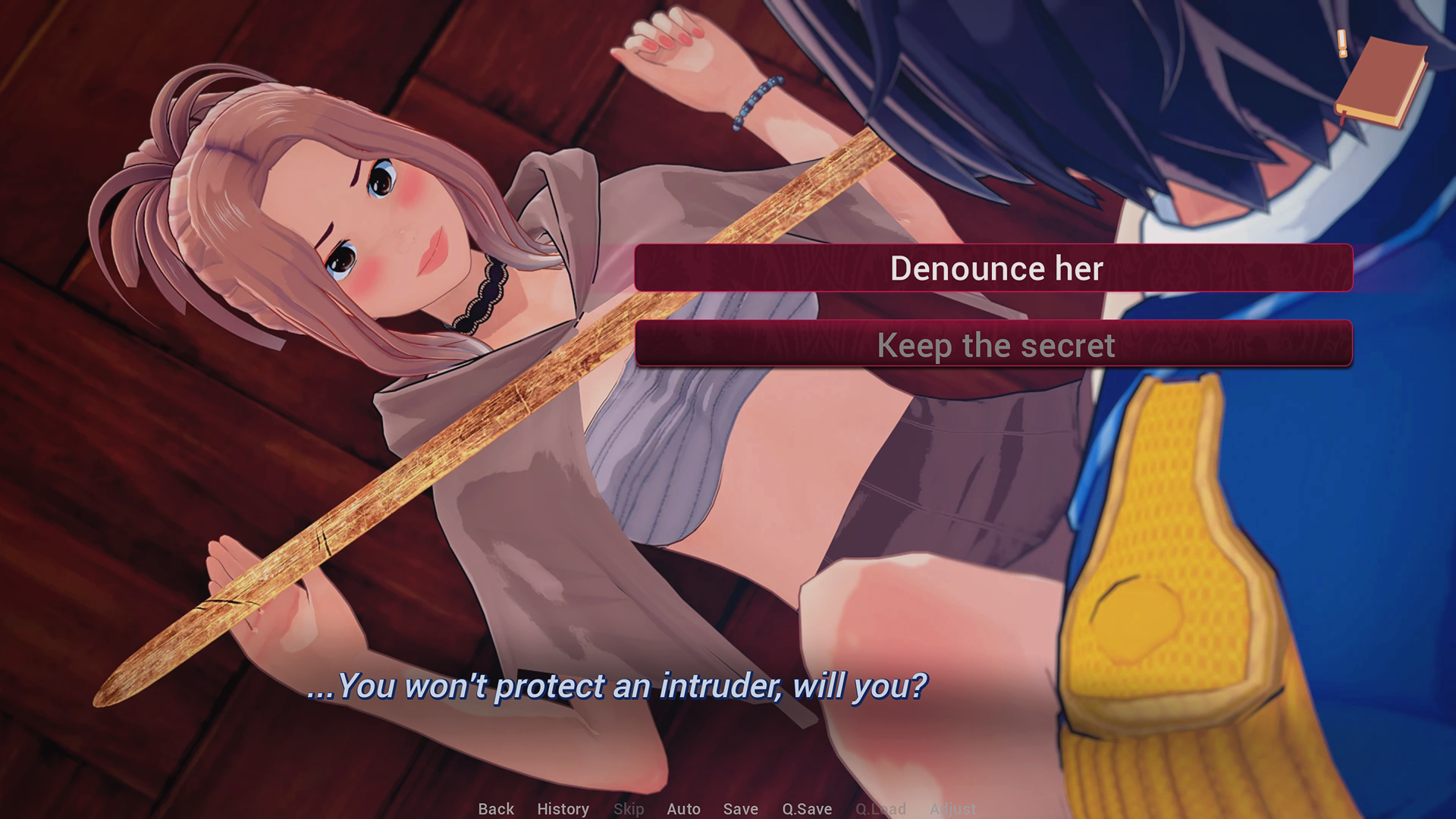
Maybe the strange girl who flew through your window this morning can help with this deadly quest?
⛵ Ready?

The Forbidden Fruit is currently in full-time development.
You can help me improve the game by:
Ready to play? Enjoy!
Download
Install instructions
🕹️The 3-step method:
- Download
- Unzip (on PC) or Install (on Android or Mac)
- Play!
Some OS may block the game at first because it's from an "unknown developer". This is common with indie games made with Ren'Py.
🔑How to unlock the app (if needed):
📱 Android
If you're playing the game on Android, you’ll need to allow the installation of apps from outside the Play Store:
- Download the
.apkfile to your device. - Tap on it to begin installation.
- Your phone may show a warning:
- Tap “Settings” or “Allow from this source”.
- Enable “Install unknown apps” for your browser or file manager.
- Go back and tap the APK again to install it.
This is a normal Android security measure for any app not from the Play Store.
After installation, you can open the game like any other app!
🪟 Windows
- Double-click the
.exefile to start the game.
- If you see a warning saying "Windows protected your PC":
- Click "More info".
- Then click "Run anyway".
- Click "More info".
- The game should now launch.
🐧 Linux
- Open the game folder.
- Right-click on the game file (
TheForbiddenFruit.sh), choose Properties. - Go to the Permissions tab and check "Allow executing file as program".
- Then double-click the file to run it.
Or use the terminal:
chmod +x TheForbiddenFruit.sh ./TheForbiddenFruit.sh
🧩 Still having issues?
- Make sure the game is fully extracted from the ZIP before launching.
- Check if your antivirus or firewall is blocking the file.
🍎 macOS
macOS blocks apps from unidentified developers by default.
- In Finder, go to the folder where the game is located.
- Right-click (or Ctrl + click) on the game file (
TheForbiddenFruit.app) and choose "Open".
- A message will appear. Click "Open" again.
- After this first time, you can launch it normally.
🧩 Still blocked?
- Go to System Preferences > Security & Privacy > General.
- Click "Open Anyway" next to the app name.
If these steps don't work, please contact me. The "bug-report" Discord channel is the best place for this!
If you don't have Discord, you can leave a comment under the game page explaining your situation.
Development log
- The Forbidden Fruit v0.6.0-beta now available!63 days ago
- v0.6.0-beta Roadmap82 days ago
- v0.6.0-alpha available!84 days ago
- Kinktober 2025 - 3 free images!93 days ago
- Astrielle's Costume Has Been Through A Lot!Sep 28, 2025
- v0.5.4 - Corrected Bug When Meeting DaphneSep 26, 2025
- New Private Poll — Favorite GirlSep 25, 2025
- New Feature - RubiesSep 24, 2025


Comments
Log in with itch.io to leave a comment.
Is this game still updated
Sorry for the delay, I just saw your comment in the “pending posts” list.
Yes, I update the game several times a month.
Its not letting me play
1- On which platform?
2- Did you get an error message?
Would love to see this game and its community grow! Animations are solid, its just missing the sounds! I'm hyped!
Thanks for your support!
Brief, but enough as a proof of concept. I don't know how experienced you are with game development, but i'd suggest you to make smaller iterations.
Things like composing a soundtrack or developing a rpg system, if you're doing them from scratch won't be trivial, so maybe focus on smaller parts of the game as you can do them. Just try not to make it so big that it becomes frustrating for you to develop it. It's a very common mistake.
Anyway, good luck with it.
Thank you for your kind comment!